Browser automation has gone through three distinct eras in about two decades: scripts that click, scripts that talk directly to the browser engine, and now agents that look at a screen and decide what to do next. Each transition solved the previous era's ceiling—and each one changed what "writing an automation" even means. Understanding that arc is useful for more than nostalgia: it explains why today's AI browser agents still need the same infrastructure that Selenium scripts needed twenty years ago, just with a reasoning engine bolted on top.
Scripts that click: the WebDriver era
Selenium, first released in 2004 and later standardized as the W3C WebDriver protocol, made browser automation programmable for the first time. A script found an element by its selector, sent a click or a keystroke, and asserted on the result. It was a huge unlock for QA teams, but the model was rigid by construction: every action was a literal, pre-written instruction. If a site changed a CSS class or reordered a form, the script broke, because the script had no understanding of the page—only a map reference to a specific tag.
CDP and the deterministic-script ceiling
Puppeteer (2017) and later Playwright (2020) moved automation off the WebDriver wire protocol and onto the Chrome DevTools Protocol, talking to the browser engine directly instead of through an intermediary driver process. That bought real gains: faster execution, native network interception, multi-context sessions, and auto-waiting that eliminated a lot of the flakiness that plagued Selenium suites. But the fundamental shape of the automation didn't change. You still wrote the exact sequence of steps in advance. A script that navigated a checkout flow still had no way to handle a layout the author hadn't anticipated—it could only be fast and reliable at the thing it was told to do.
From selectors to screenshots: reasoning agents arrive
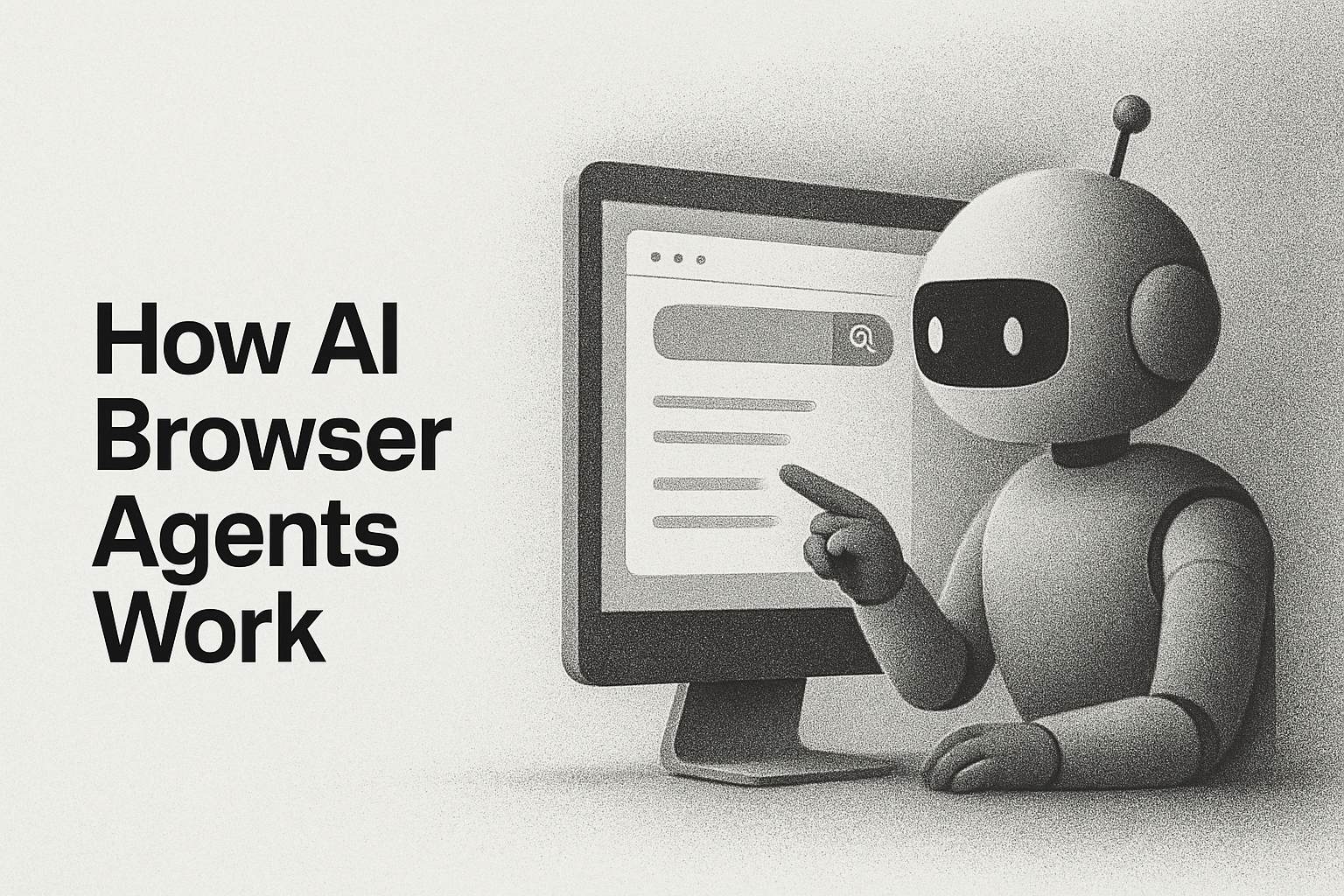
The current shift is different in kind, not just in speed. Instead of writing selectors, you write a goal, and a model like Claude with computer-use capability looks at a screenshot, decides what to click or type, and repeats until the task is done or a step budget runs out. The automation now reasons about layout it has never seen. Anchor's SDK wires this up directly—a task defines the starting URL and lets the model drive from there:
response = anchor_client.agent.task(
    'Find the pricing page and extract the Pro plan price',
    task_options={
        'url': 'https://example.com',
        'agent': 'anthropic-cua',
        'max_steps': 30
    }
)
No selectors, no fixed step sequence—just a goal and a step ceiling. The model interprets the page the same way a person would: visually, one screenshot at a time.
The constant underneath: real browsers, real infrastructure
Here's the part that doesn't change across any of these eras: reasoning about a page still requires an actual browser process running somewhere, with a real session, real cookies, and a real network path. A vision-capable model is not a substitute for browser infrastructure—it's a new consumer of it. Whether the driver is a Selenium script, a Playwright script, or an LLM issuing computer-use actions, something still has to launch the browser, keep the session alive, and hand back a live page. Anchor's cloud browser sessions serve as that layer under all three: you can connect a script to a live Playwright Browser object with a couple of lines—
session_response = anchor_client.sessions.create()
session_id = session_response.data.id

with anchor_client.browser.connect(session_id) as browser:
    page = browser.contexts[0].pages[0]
    page.goto("https://example.com")
—or point a computer-use agent at the same infrastructure with agent.task(). The session, proxying, and browser lifecycle work is identical either way; only the thing deciding what to click has changed.
Where this goes next
The interesting engineering problems from here aren't about whether agents can click the right button—they mostly can. They're about the infrastructure question this history keeps surfacing: how do you run thousands of these sessions reliably, keep them authenticated, and give a reasoning model a stable browser to act in. That's the layer Anchor is built for. Spin up a session, connect a computer-use agent or your own Playwright script to it, and see how far a goal-driven agent gets on a page you didn't write a single selector for.